Find your
frequency.
Discover US radio and weather channels by city, ZIP code, or search radius. Keep the ones you want, together in your library.
Ham radio programmer | Made for Mac
 Your radio. Your Mac.
A little less programming.
A lot more getting on the air.
Meet your radio’s new Mac companion.

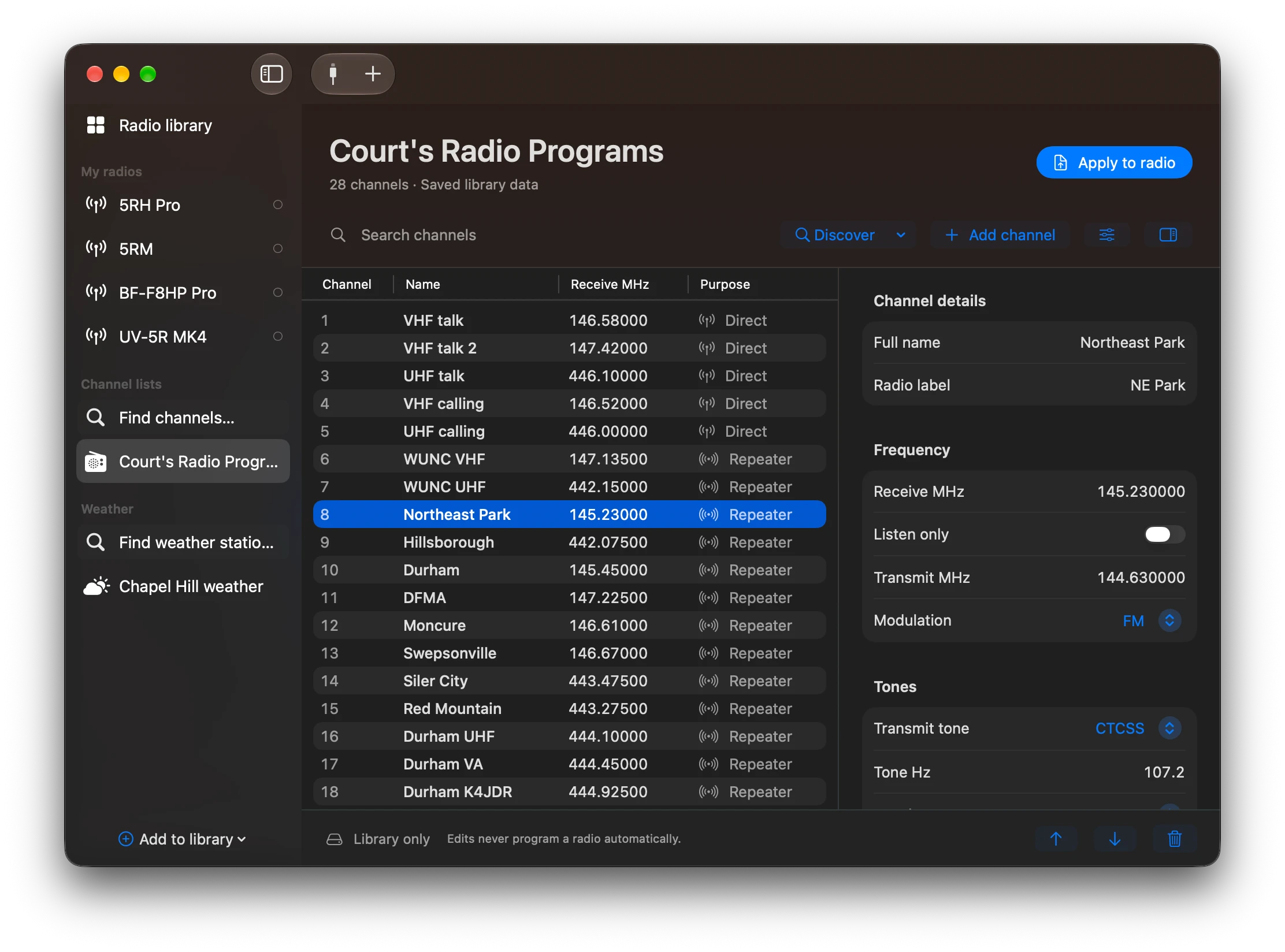
Discover US radio and weather channels by city, ZIP code, or search radius. Keep the ones you want, together in your library.
Make room for your local repeaters, road trips, and everyday favorites. Edit channels in Channel Studio and keep saved lists available offline.
Bring your CHIRP CSV or Hammy JSON files along. Choose Add or Replace when applying a list, review your changes, then write to your radio.
FROM DESKTOP TO AIRWAVES
Find channels or import an existing list. Save a setup for wherever you’re headed.
Edit your channels, pick your radio, and choose whether to add to or replace its list.
Check the changes before writing to your connected, supported radio.